User Voluptious uploaded the image
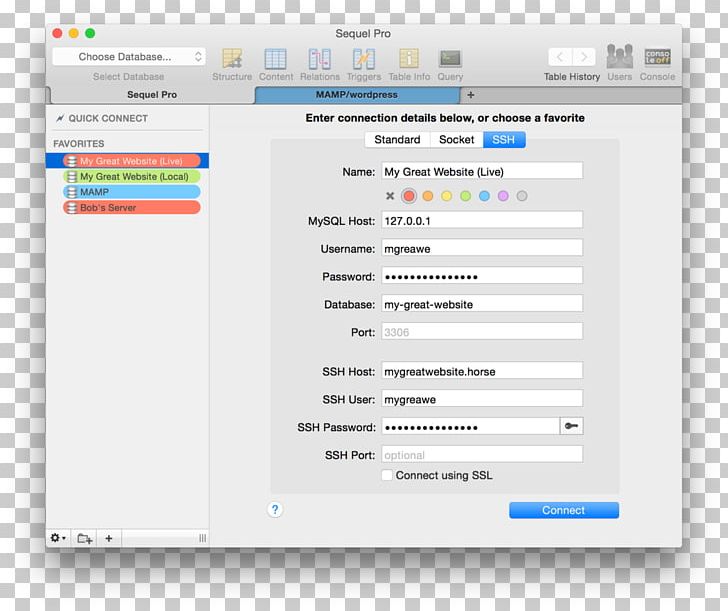
A screenshot of the Sequel Pro software. It shows a pop-up window titled "Enter connection details below, or choose a favorite". At the top of the window, there is a menu bar with various options such as "Choose Database", "Select Database", and "Quick Connect". Below the menu bar, there are two buttons - "Favorites" and "My Great Website (Live)". The main window of the software is divided into two sections. The first section is titled "MySQL Host" and has a list of fields for entering the user's name, username, password, and port. The second section is labeled "My great website (Live)" and has fields for the user to enter their username and password. There is also a button labeled "Connect using SSL" which allows the user can connect to the software.
Computer Program Database MySQL Client PNG
. The resolution of this PNG file is 1024 x 865 pixels and it has a file size of 175.47 KB.A screenshot of the Sequel Pro software. It shows a pop-up window titled "Enter connection details below, or choose a favorite". At the top of the window, there is a menu bar with various options such as "Choose Database", "Select Database", and "Quick Connect". Below the menu bar, there are two buttons - "Favorites" and "My Great Website (Live)". The main window of the software is divided into two sections. The first section is titled "MySQL Host" and has a list of fields for entering the user's name, username, password, and port. The second section is labeled "My great website (Live)" and has fields for the user to enter their username and password. There is also a button labeled "Connect using SSL" which allows the user can connect to the software.
You might also like...